CMYK vs RGB: which color mode to use for print
RGB is for screens and CMYK is for print. Here is why colors change between them, how to set up a print file and how to handle black and brand colors.

RGB and CMYK are two ways of describing color. RGB is used for anything shown on a screen. CMYK is used for anything printed with ink. If you design something for print in RGB, the colors will change when the file is converted for the press, and bright colors usually change the most.
This guide explains the difference, how to set up your files and how to keep important colors close to what you expect.
What RGB means
RGB stands for red, green and blue. Screens make color by mixing these three colors of light. When all three are at full strength, you see white. This is called additive color. Phones, monitors, cameras and most design apps work in RGB by default, and it is the right color mode for websites, social media and email.
What CMYK means
CMYK stands for cyan, magenta, yellow and key, which is black. Printing presses lay down tiny dots of these four inks on paper. The inks absorb some of the light that hits the paper and reflect the rest, so the more ink you add, the darker the color gets. This is called subtractive color. Most full-color printing, from business cards to brochures, uses CMYK.
CMYK vs RGB at a glance
- RGB: light, used on screens. It starts from black and adds color to reach white.
- CMYK: ink, used in print. It starts from white paper and adds ink to reach black.
- Range of colors: RGB can show more bright, saturated colors than CMYK inks can print.
- Use RGB for: websites, social posts, email, slide decks and video.
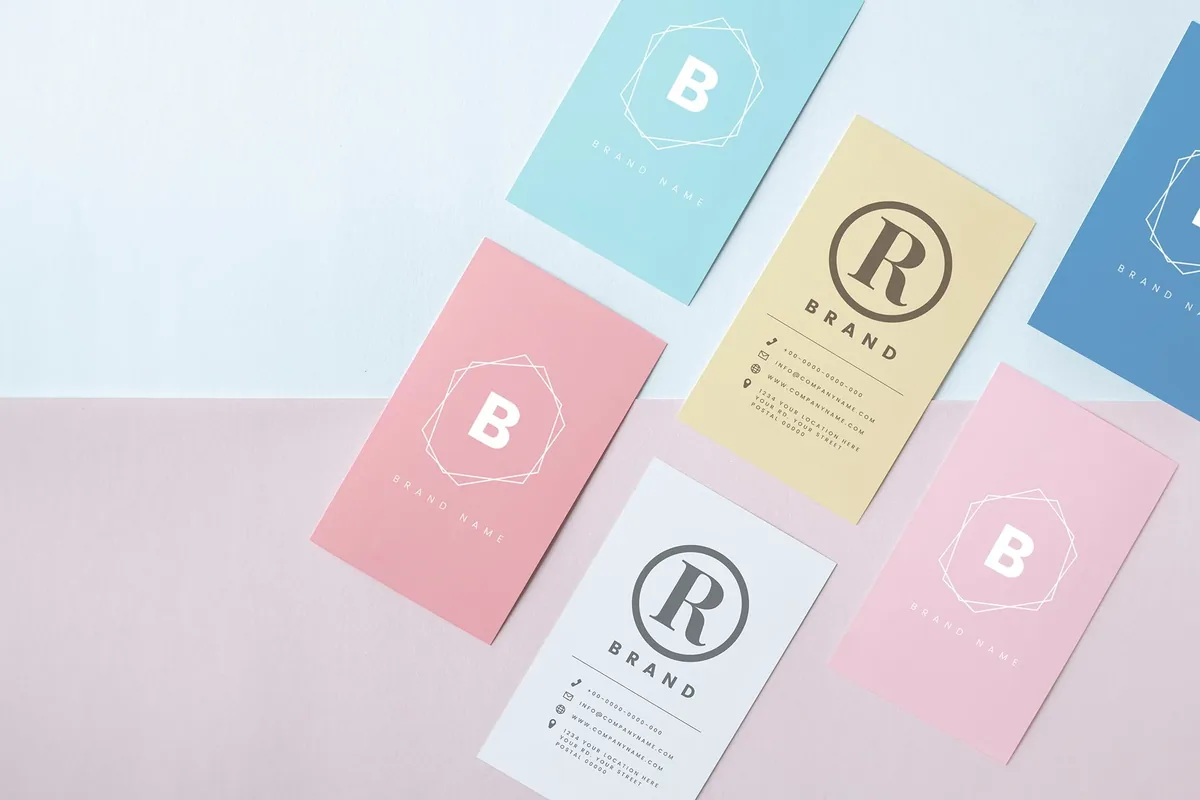
- Use CMYK for: business cards, flyers, brochures, postcards, packaging and anything else printed in full color.
Why colors change when RGB is printed
Every color mode has a range of colors it can reproduce, called its gamut. The RGB gamut is larger than the CMYK gamut, so some screen colors have no exact match in ink. When an RGB file is converted to CMYK, those colors are moved to the closest printable color. Bright greens, vivid blues, oranges and neon pinks usually look duller in print. Deep, dark colors and skin tones usually convert well.
The paper matters too. Uncoated and recycled papers absorb more ink than bright coated paper, so colors print slightly softer. That is normal, and many people like the natural look. It does mean you should judge print colors on a printed proof, not on your screen.
How to set up a file for print
- Set the document color mode to CMYK when you start, so you choose colors from the printable range.
- If your file is already in RGB, convert it to CMYK before you export and check the colors that changed.
- Use a CMYK profile that matches the paper. Most design software includes profiles for coated and uncoated paper.
- Export a press-ready PDF. In Canva, choose PDF Print, and use the CMYK color profile option if your plan includes it.
- Keep photos at 300 pixels per inch at the size they will print.
Our guide to print-ready files covers bleed, resolution and export settings.
Black is not just black
In CMYK there are two common blacks. Plain black (0% cyan, 0% magenta, 0% yellow and 100% black) is best for body text and thin lines, because it prints sharp with no color fringes. Rich black adds some cyan, magenta and yellow under the black, for example 60% cyan, 40% magenta, 40% yellow and 100% black. Rich black looks deeper on large solid areas, but it should not be used for small text.
Avoid setting all four inks to 100%. Too much ink can take longer to dry, smudge or show through, especially on uncoated paper.
When to use Pantone instead
If a brand color has to match closely every time, such as a logo color, a spot color from the Pantone Matching System may be a better choice than CMYK. A Pantone ink is mixed to a set formula instead of being built from four process inks. Our Pantone color matching guide explains when spot colors make sense and how they look on coated and uncoated paper.
Common questions about CMYK and RGB
Should I design in CMYK or RGB?
Design in CMYK for anything that will be printed, and in RGB for anything that will only be seen on a screen. If you need both, keep two versions of the file.
Can I send an RGB file for printing?
An RGB file can usually be converted, but the colors may shift. It is better to convert the file yourself so you can see and adjust the changes before the proof.
Why does my printed color look different from my screen?
Screens give off light and paper reflects it, so the same color will never look exactly the same. Screen brightness, the paper and the inks all affect the result. A printed proof is the best way to check color.
Should a logo be CMYK or RGB?
Keep both. Use an RGB or hex version for the web, and a CMYK or Pantone version for print. Many brand guides list all three values for each color.
If you are not sure your file is set up correctly, send it with your quote request and mention any colors that need to match.
Products mentioned in this piece
Everything below prints on recycled, FSC-certified stock with soy-based inks. Ask for a quote on any of it.

Printing something like this?
Thirty-six years of sourcing recycled stock, put to work on your job. Tell us what you need and Greg will come back with stock options, a price and a date.